
Diagnose before you fix
Why did my Google traffic drop? How to find the cause before you change anything
A practical guide for Australian service businesses whose search traffic or enquiries from Google have fallen: how to confirm the drop is real, read the pattern in Search Console, check the usual causes from website changes to manual actions, and respond sensibly to a Google update.

The short answer
Before changing anything, confirm the drop is real. Compare Search Console with Analytics, check Google's Data anomalies page and look at your actual enquiries. Then read the pattern in Search Console over 16 months: whether impressions, clicks or both fell, and on which pages. Work through the usual causes: seasonality, website changes, technical or security problems, manual actions and Google updates. If the timing matches a core update, wait until it has finished, and avoid quick fixes. A small slip in position rarely needs drastic action.
- Confirm the drop in Search Console and in your enquiries before blaming Google. Tracking faults and reporting changes can look like lost rankings.
- The shape tells you where to look: what fell (impressions, clicks or both), where (the whole site or a few pages) and when (compared with last year).
- After a Google update, wait until it finishes and a week more, then make changes that help customers rather than quick SEO fixes.
First, check the drop is real
When enquiries from Google go quiet, the instinct is to start changing pages. Don't, yet. Google's own advice is that a drop "can happen for several reasons, and it may not be straightforward to understand what exactly happened to your site." The first job is to confirm that searchers really stopped arriving, rather than a report stopped counting them.
Start by comparing two tools. Google says "The source of truth for Search performance will always be Search Console, while the source of truth for behavior inside your site will be Google Analytics." The numbers won't match exactly, because clicks and sessions are calculated differently, but Google notes "the general trends and patterns should be similar." If Analytics shows organic visits falling while Search Console clicks hold steady, suspect your tracking before your rankings. A tag lost in a website update or plugin change can look exactly like a search problem.
Next, check Google's Data anomalies page for Search Console, which records known reporting issues from the last 3 to 16 months. It matters more than it sounds. In 2026 Google recorded a logging error that had affected impression reporting since 13 May 2025, and warned that once it was fixed "you may notice a decrease in impressions". Clicks weren't affected. Google also noted that FAQ rich results stopped appearing in Search from 7 May 2026, which reduced reported FAQ impressions. Neither change means customers stopped looking for you.
Finally, ignore the last day or two on the chart. Search Console says the newest data "can be preliminary" and "might change in the next few hours", shown as a dotted line. And keep your enquiry records beside all of this. A dip in impressions that doesn't change the calls and forms you receive is worth watching, not panicking over.
Keep readingCheck your enquiry tracking still works
Read the shape of the drop
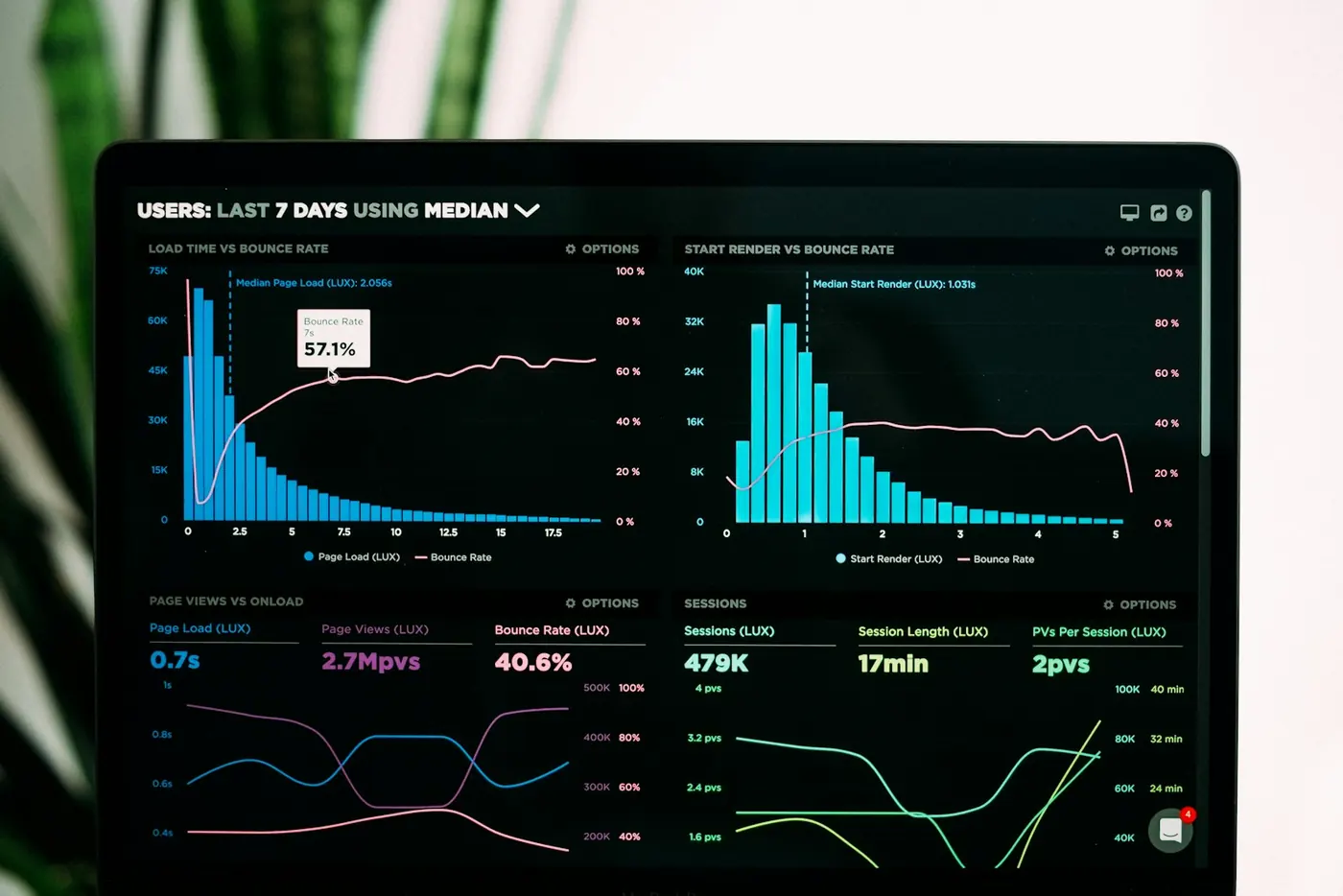
Google calls the main Performance chart in Search Console "the best way to understand what happened to your traffic". Three settings do most of the work. First, set the date range to the last 16 months, so you can see whether the same dip happens every year. Then use Compare to set the last three months against the previous period, and against the same months last year. Finally, click through the Queries, Pages, Countries, Devices and Search appearance tabs, because Google suggests checking whether the change "happened only for specific queries, URLs, countries, devices, or search appearances".
Look at which lines moved. Google's rule of thumb is simple: if both impressions and clicks dropped, work through the usual causes below. If impressions held steady but clicks fell, people are still seeing you but choosing something else. Google suggests your page title and snippet may not be explaining the page well, or other results may look more appealing. Those are different problems with different fixes.
Then look at where it happened. In the Pages tab, sort by Clicks Difference to see which pages lost the most. Google's advice is to work out whether the drop hit "the whole site, a group of pages, or even just one very important page". If it's site-wide, check the Page indexing report. If it's a group of pages, inspect a few of them with the URL Inspection tool. The speed of the fall is a clue too. Google contrasts site-wide issues, such as the website being down, with a misplaced noindex tag, which depends on Google crawling each page and so causes "a slower drop in traffic".
Here's what common patterns usually point to:
- The same dip at the same time last year: seasonality, not a fault.
- Impressions steady, clicks down: titles, snippets or competing results.
- A sudden cliff across the whole site: a technical, security or manual action problem, or a site change that went wrong.
- A slow slide on a group of pages: indexing problems on those pages, or stronger competing content for those topics.
- One important page down: inspect that URL and compare it with the results now ranking above it.
Keep readingSet up Search Console and a monthly check
The usual causes, and where to check each
Google's debugging guide lists the main causes it sees. For a service business, these are the ones to rule in or out, roughly in the order they're quickest to check. Most can be checked in Search Console, so it's worth working through all of them before deciding what happened.
Website changes deserve special attention. Google says that if you change the URLs of existing pages "you may experience ranking fluctuations while Google recrawls and reindexes your site", and that a medium-sized site "can take a few weeks" for Google to notice. If traffic hasn't recovered after a move, its troubleshooting list starts with forgotten noindex or robots.txt blocks, and notes "We frequently see people redirecting to the wrong (non-existent) URLs on the new site." Not updating sitemaps with the new URLs is on the list too.
- Seasonality or changing demand: filter the Performance report to one of your top queries, then check it in Google Trends to see whether interest fell across the web or only for you.
- A recent website change: compare the date of the drop with redesigns, new URLs, platform moves or plugin updates, then check redirects, noindex rules, robots.txt and your sitemap.
- Technical issues: look for a matching spike in the Crawl stats and Page indexing reports, such as server errors, robots.txt problems or pages not found.
- Security issues: open the Security issues report. Google says hacked or harmful sites can show "a warning label in search results or an interstitial warning page", which drives visitors away.
- A manual action: open the Manual actions report. This happens when "a human reviewer at Google has determined that pages on the site are not compliant with Google's spam policies", and affected pages can be "ranked lower or omitted from search results".
- An algorithm update: check the Google Search Status Dashboard for a core or spam update whose dates line up with your drop. The next section covers what to do.
Keep readingProtect your search traffic during a redesign
If it lines up with a Google update
Google says it makes core updates "several times a year", and that they're "broad in nature, and don't target specific sites or individual web pages." Its own explanation is that if traffic falls after an update, "there might not be anything fundamentally wrong with your content". Other pages may simply now be judged more helpful for the same searches.
Timing matters. Google recommends confirming on the Search Status Dashboard that the update has finished rolling out, then "waiting at least a full week after a core update completes before analyzing your site in Search Console." After that, compare the week after it finished with the week before it started.
Then size the drop. Google's examples are useful benchmarks. Slipping from position 2 to 4 is a small drop, and for that "There's no need to take drastic action". Google actually recommends "avoiding making changes to content that's already performing well." Falling from position 4 to 29 across many searches is a large drop, and that calls for an honest review of the whole site, not just the pages that fell.
If you do make changes, make them for customers. Google warns against "quick fix" changes, such as removing a page element because you heard it was bad for SEO. It also calls deleting content "a last resort". Improvements can take a few days to show, or several months, and Google is clear there's "no guarantee that changes you make to your website will result in noticeable impact in search results."
A worked example
This is a hypothetical example to show the process, not a real client. A Melbourne electrician notices their website enquiries have halved over a month and assumes Google has penalised them.
First, they compare tools. Google Analytics shows organic visits down sharply from one particular day. Search Console shows clicks over the same weeks barely changed. The two should trend together, so the gap is the clue. The date matches a theme update on their website, and checking the site shows the update removed the Analytics tag. Their search visibility was never the problem. The tag is restored and the enquiry form is tested.
That doesn't explain the halved enquiries, though, so they keep going. The 16-month view in Search Console shows clicks to their pool and outdoor lighting page fell at the same time last year, and Google Trends shows the same seasonal pattern for those searches. The rest of the drop traces to a single service page. Its URL changed in the theme update and the old address now returns "page not found", so a permanent redirect from the old URL to the new one is added and the page is inspected.
Three findings, and none of them called for rewriting the website. A quick reaction, like deleting pages or buying links, would have cost them time and could have made things worse.
A step-by-step check before you change anything
Work through these steps in order and write down what you find, including the date the drop started. If you work with an agency or developer, this record makes the conversation much faster, and it's a fair list to ask them to work through too.
- Confirm the drop in Search Console, not just Analytics, and check that enquiries actually fell.
- Read Google's Data anomalies page and ignore the preliminary last day or two of data.
- Set the Performance report to 16 months and compare against the previous period and last year.
- Note whether impressions, clicks or both moved, and which pages, queries and devices changed most.
- List every website change around the start date, then check redirects, noindex rules, robots.txt and the sitemap.
- Check the Page indexing, Crawl stats, Security issues and Manual actions reports.
- Check the Search Status Dashboard for an update that lines up, and wait a week after it finishes before judging.
- Only then decide on changes, and make the ones that help customers rather than quick SEO fixes.
Common questions
How long does it take to recover from a drop in Google traffic?
It depends on the cause. A tracking fault is fixed as soon as the tag is restored. After a website move, Google says a medium-sized site can take a few weeks for Google to notice the change. If the drop came from a core update, improvements can take effect in a few days or take several months, and Google says it may mean waiting until the next core update. No fix comes with a guaranteed recovery.
Should I change my website straight after a Google update?
Usually not. Google recommends waiting until the update has finished rolling out, then at least another full week before comparing your data. If your pages only slipped a few positions, Google says there's no need for drastic action and recommends avoiding changes to content that's already performing well. Save bigger changes for large, sustained drops, and make them to help customers.
Why do Google Analytics and Search Console show different numbers?
They measure different things. Search Console counts clicks from Google Search results, while Analytics counts sessions on your website, and Google says the two are calculated differently. Exact matches aren't expected, but the trends should be similar. If one falls sharply while the other doesn't, check your Analytics tracking before assuming a search problem.
Do AI Overviews show up in my Search Console data?
Yes. Google says sites appearing in AI features such as AI Overviews and AI Mode are included in the overall search traffic in Search Console, within the Web search type of the Performance report. They aren't shown as a separate line in that view, so read your Web search figures as including those appearances.
Sources & further reading
Official references supporting the platform guidance in this article.
- Google Search Central: Debugging drops in Google Search traffic
- Google Search Central: Google Search's core updates and your website
- Google Search Status Dashboard
- Search Console Help: Data anomalies in Search Console
- Search Console Help: Performance report (Search results)
- Google Search Central: Using Search Console and Google Analytics data for SEO
- Google Search Central: Site moves with URL changes
- Search Console Help: Manual actions report
- Search Console Help: Security issues report
- Google Search Central: AI features and your website
Make it work for your business.
Build search visibility around the customers you want.
Help customers discover your business through Google and AI search, with useful content, technical care and a clearer path to enquire.
Demandify helps Australian businesses connect lead generation, Meta ads, websites and SEO. Founded by Brandon Cutajar, with a background in finance, automotive and marketing. Our guides explain how we approach the work; a proposal sets the scope for your business.
Meet the founder
.jpg)