Website content
Can you use photos you found online on your business website?
A plain guide for Australian business owners on using photos from the internet: why credit and small edits don't make it legal, where to get photos you can use, how to read Creative Commons and free licences, keeping a photo register, and what to do with a letter of demand.
The short answer
Usually not without permission. Photos are protected by copyright automatically in Australia, and crediting the photographer or editing the image doesn't make it OK. Use photos you or your staff took, photos you've licensed in writing, or images whose published licence covers commercial use, such as Unsplash or Creative Commons licences without NC. Read the licence at the original source, give any credit it asks for, and keep a simple register so you can show where every image came from.
- Copyright in a photo is automatic. Finding it online, crediting the photographer or editing it doesn't give you permission.
- Your own job photos are the safest choice. For anything else, get written permission or check the licence at its original source.
- Keep a photo register with the source, licence and proof for every image, stored where your business controls it.
The short answer: assume every photo belongs to someone
Usually not without permission. In Australia, copyright protection is "free and automatic", according to the Attorney-General's Department. A photographer doesn't have to register anything or add a © mark for their photo to be protected. IP Australia lists photographs as artistic works covered by copyright, and says protection generally lasts for 70 years after the author's death.
Putting a photo on your website is one of the things the owner controls. IP Australia's guide to copyright infringement says infringement can occur when someone makes a work available to the public "by uploading it to the Internet". It also says material created overseas can be protected in Australia, so a photo from a site in another country isn't fair game either.
None of that means you're stuck with bad photos. It means every image on your site needs a reason you're allowed to use it: you took it, you paid for the right to use it, or its owner has published a licence that covers what you're doing.
Four things that don't make it OK
IP Australia's guidance lists common misconceptions about copyright, and several of them are exactly what business owners tell themselves about a photo they've found:
- "I found it online, so it's free to use." IP Australia says works found online are still protected "unless it is in the public domain or under an open licence".
- "I gave credit to the creator." A photo credit is good manners, but IP Australia says "Attribution does not prevent infringement."
- "I changed it by 10%." There's no percentage rule. Cropping, filtering or adding your logo doesn't turn someone else's photo into yours.
- "It's fair use." Australia's fair dealing exceptions cover particular purposes, such as research or study, criticism or review, reporting news, professional legal advice and parody or satire. Making your service page look good isn't on that list.
Where your website photos can safely come from
The Attorney-General's Department says you can use copyright material if you have permission from the owner, if an exception covers your use, or if the copyright has expired. For a business website, that usually means one of the sources below. The best of them is also the one customers trust most: real photos of your own work, team and premises.
Whichever route you use, get it in writing. The department recommends written permission "wherever possible", and IP Australia says a verbal agreement or an email "may seem sufficient at the time" but written documentation protects both sides.
- Photos you or your staff take. The department says the creator, "or in some cases their employer", gets the rights when the photo is made. Photos taken by a subcontractor, a customer or a friend are theirs, so ask before you use them.
- A photographer you hire. Paying for the shoot doesn't automatically make the copyright yours. Agree in writing where you can use the photos, for how long, and whether that includes ads and social media.
- A stock library or free photo site, under its licence. Unsplash, for example, grants a free licence that includes commercial use "without permission from or attributing the photographer or Unsplash". Its licence still has limits, including that images can't be sold without significant modification.
- Creative Commons images, used on the licence's terms. The next section explains how to read one.
- Your suppliers and manufacturers. Product photos on a supplier's website still belong to someone. Ask in writing, and if the supplier has a media library for resellers, follow its terms.
Keep readingDecide who supplies the photos in your website brief
Keep readingDon't put a stock photo beside a customer's quote
Reading a Creative Commons licence
Creative Commons licences let creators give everyone permission in advance, with conditions. Creative Commons says one condition of all its licences is attribution: "crediting the author and noting the source and the license." Its recommended credit covers the Title, Author, Source and Licence, which it shortens to TASL.
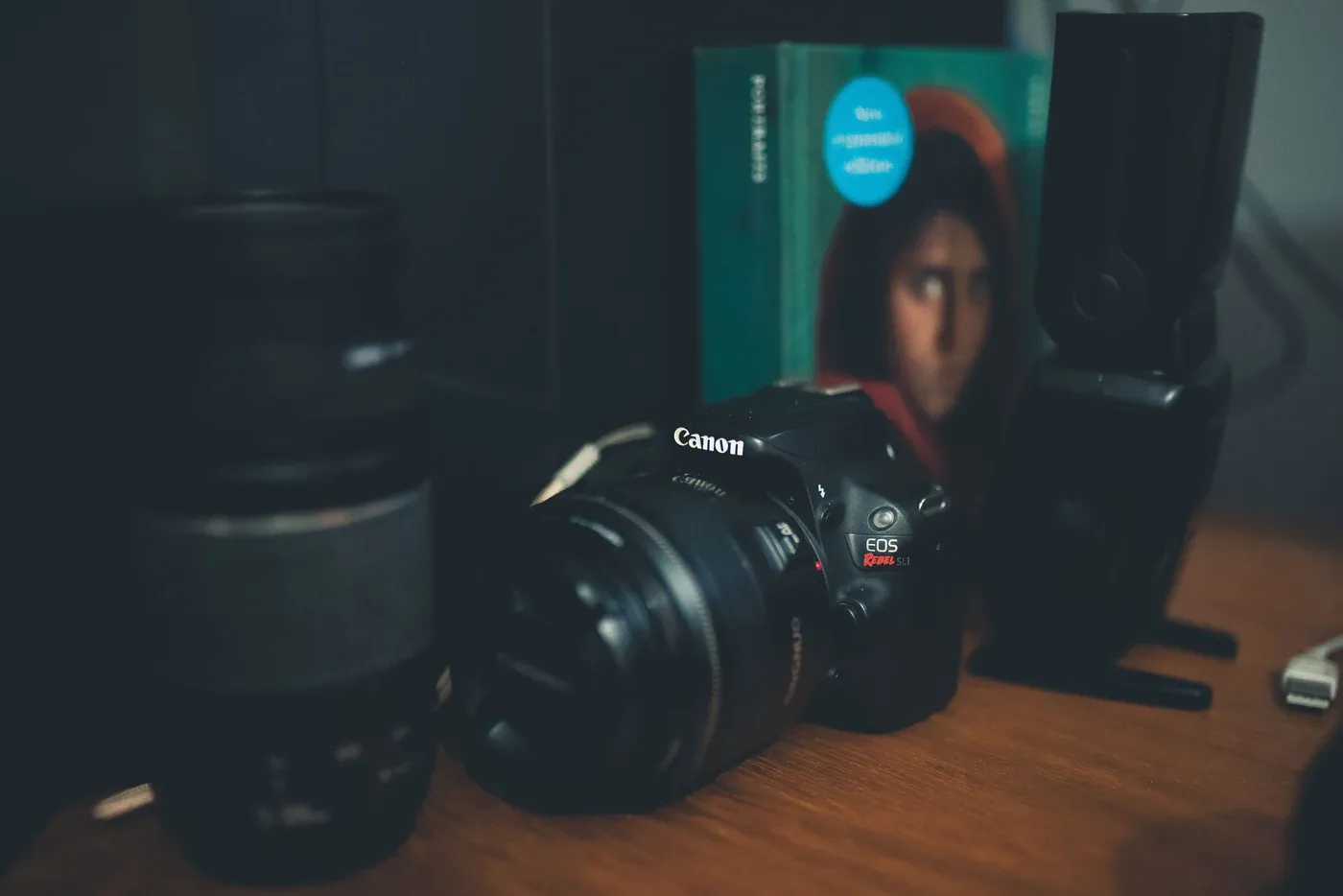
The photo at the top of this page is an example. Its credit names the photo's title ("DSC_5370"), its photographer and its licence (CC BY 2.0), notes that it was cropped and resized, and links to the original on Wikimedia Commons.
The letters after "CC BY" matter more than the badge. Read them before you download:
- BY: credit the creator. Every Creative Commons licence includes it.
- NC (NonCommercial): Creative Commons defines noncommercial as "not primarily intended for or directed towards commercial advantage or monetary compensation". A website that exists to win customers is hard to square with that, so skip NC images for business marketing.
- ND (NoDerivatives): the image can only be shared "in unadapted form". Leave it out if you plan to crop it, edit it or put text over it.
- SA (ShareAlike): if you adapt the image, you must share your version under the same or a compatible licence.
- Plain CC BY and CC BY-SA allow commercial use, as long as you give the credit and meet any ShareAlike condition.
Google Images and free photo sites: check the licence at the source
Google Images has a Usage rights filter, but Google is clear about what it does. It says images "might be subject to copyright" and that it filters by licence "based on information provided by the sites that host those images". Before you reuse anything, Google says to "make sure that its license is legitimate and check the exact terms of reuse", following the License details link and checking it with both the licence provider and the site hosting the image.
In practice, open the page the image actually comes from, read the licence there and save a copy. A licence is only as good as the person who granted it. If an image has been uploaded by someone who obviously isn't the photographer, find another one.
Keep a simple photo register
The easiest way to answer "where did this photo come from?" in two years' time is to write it down now. IP Australia suggests cataloguing the content you plan to use and keeping "thorough records of all permissions granted". It also suggests reverse image search tools such as Google Images or TinEye to identify copied visuals, which is a quick way to check images a previous designer added.
A spreadsheet with one row per image is enough. Keep the proof in a shared folder your business controls, not in a designer's or agency's account, so it survives a change of provider.
- File name and the pages where it appears.
- Where it came from: your own shoot, the photographer's name, or the exact source URL.
- Your permission: the licence name and link, a saved copy of the licence or terms page, or the written agreement or invoice.
- Any credit you must show, and where it appears on the page.
- Any limits: noncommercial, no edits, time limits, or website use only and not ads.
- The date you checked it.
Keep readingGet original images and their usage terms at handover
If you get a letter saying you've used someone's photo
Photo copyright disputes usually start with a letter of demand. Don't ignore it, and don't pay the first figure in a panic either. IP Australia says it's "usually not a good idea to ignore a letter of demand without first seeking professional advice", and that such letters commonly ask for action within 7 to 30 days.
Read it closely. A genuine letter should say which photo, who owns it and what they want, and IP Australia notes genuine letters usually attach evidence such as screenshots. It also lists warning signs of a misleading or scam letter: no clear sender, no specific right or evidence, demands for payment to unfamiliar overseas accounts and unrealistically short deadlines. Check your photo register for that image.
You may decide to take the image down while you get advice. IP Australia lists this as one option, but warns it "may not prevent the IP owner seeking compensation for past use", and that "admitting any fault or liability" can help the other side. If the claim looks real, talk to an IP lawyer before you reply or pay. This article is general information, not legal advice.
Worked example: a landscaper audits 40 website photos
This example is made up to show the process. A Geelong landscaping business is refreshing its website and lists every image on the current site in a photo register. There are 40.
Twenty-two are photos the owner and two employees took on jobs, so they stay, with the job and date noted. Two were taken by a paving subcontractor. The owner emails the subcontractor, who replies giving permission for the website and social media, and that email goes in the folder.
Nine were added by the previous web designer, and nobody knows where they came from. A reverse image search finds two on a stock library. The designer can't supply licence records for any of the nine, so all nine are replaced with new job photos rather than kept on a guess.
Five were copied from Google Images years ago. They come down. Three are from Unsplash, and the register records the source page and the licence as it read on the day. The last is a CC BY-NC photo from a photo-sharing site. Because the site exists to win paid work, it's replaced too.
The result is a smaller set of photos, every one with a reason it's allowed, and most of them showing the business's own work.
A five-minute check before you add a photo
Run through this for every new image on your website, ads or social pages:
- Did we take it, commission it in writing, or get written permission from its owner?
- If it's from a library or free site, have we read and saved its licence from the original source?
- If it's Creative Commons, is it free of NC, and free of ND if we're cropping or editing it?
- Have we shown any credit the licence requires, with the title, author, source and licence where provided?
- Is it in the photo register, with proof saved in a folder the business controls?
Common questions
Who owns the photos my staff take of our jobs?
The Attorney-General's Department says the creator, "or in some cases their employer", gets the rights when a photo is made. If photos are taken by employees as part of their work, check your employment agreements. Photos taken by subcontractors, customers or friends belong to them, so ask in writing before you use them, even if they were taken on your job.
Do I need to put a © symbol on my own photos?
No. The Attorney-General's Department says there's no legal requirement to place a copyright notice or the © mark on protected works, because protection is automatic. It does call it sound practice, since it tells people the material is protected and who to ask for permission.
Can I use a photo if the owner said yes in a message?
Permission is what you need, but make it a record you can find again. The Attorney-General's Department recommends written permission wherever possible. Ask the owner to confirm what you can use, where (website, ads, social media) and for how long, then save that message or email with the image in your photo register.
Sources & further reading
Official references supporting the platform guidance in this article.
- IP Australia First Response: Copyright infringement
- IP Australia First Response: How to avoid infringing others' intellectual property
- IP Australia First Response: Receiving a letter of demand
- IP Australia First Response: Pause use of contested IP until resolution
- Attorney-General's Department: For copyright owners
- Attorney-General's Department: For copyright users
- Creative Commons: About CC licenses
- Creative Commons: Recommended practices for attribution
- Unsplash License
- Google Search Help: Find images you can use and share
Make it work for your business.
Turn a good first impression into a clear next step.
A custom website built around your customers. Clear messaging, considered design and a simple path to enquire, with optional ongoing care.
Demandify helps Australian businesses connect lead generation, Meta ads, websites and SEO. Founded by Brandon Cutajar, with a background in finance, automotive and marketing. Our guides explain how we approach the work; a proposal sets the scope for your business.
Meet the founder